
Goal: Discovering and Learning
Activities: Visual Stimulation, Cause and Effect, and Game apps.
For users who have never used an eye-tracking device before, it is crucial to understand the basics and explore the capabilities of their eyes. The most effective way to do this is through learning by playing.
This profile is specifically designed for beginners who are always accompanied by a caregiver or language specialist. It is important to set up the profile in a way that minimizes distractions for the user.
The configuration aims to reduce the time it takes to access any icon, allowing users to navigate quickly.

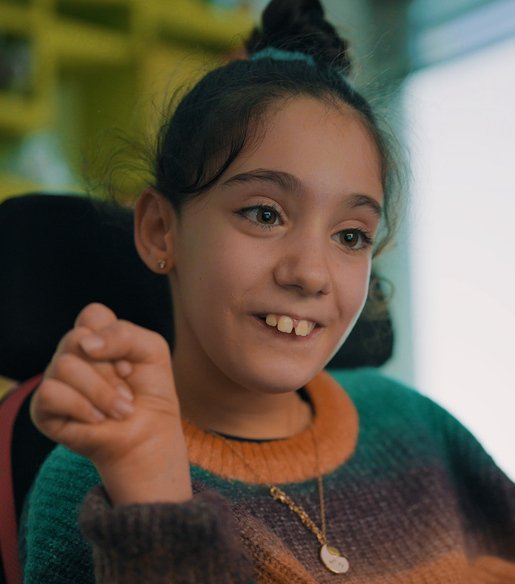
Dulce, a 12-year-old girl, is now a pro at eye-tracking. However, she began her journey with a profile similar to this one.
Recommended customization:
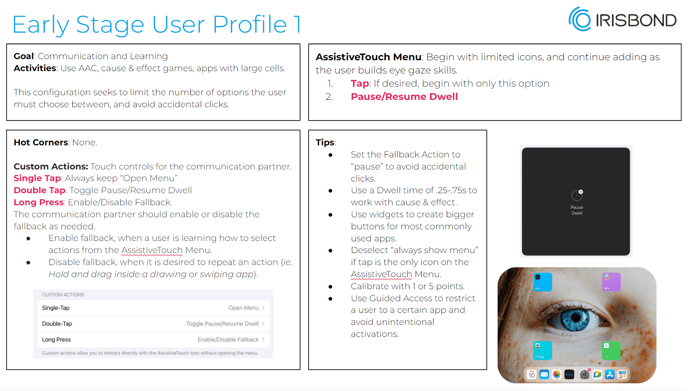
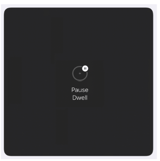
- Add only Pause/Resume Dwell action (for the caregiver and in case the user would like to start using the Assistive Touch menu is a good way how to skill building selecting an action)
Calibration: Calibrate with 1 or 5 points
Hot corners: None
Auto Hide: OFF so the caregiver can see where the user is looking
Dwell Time: 0.50 s
Idle opacity: 15 % or Always show the menu: OFF for no distraction by the Assistive touch menu.
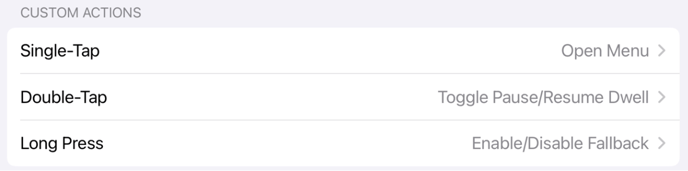
Custom actions: Activate these three to allow the caregiver easy access to Pause the eye gaze or lock in a specific action with fallback)
Widgets: Use widgets for easier click
Fallback action: For Beginner Users, it can be useful to set your Fallback Action to "Pause Dwell"
Keep the home screen clean and organized:
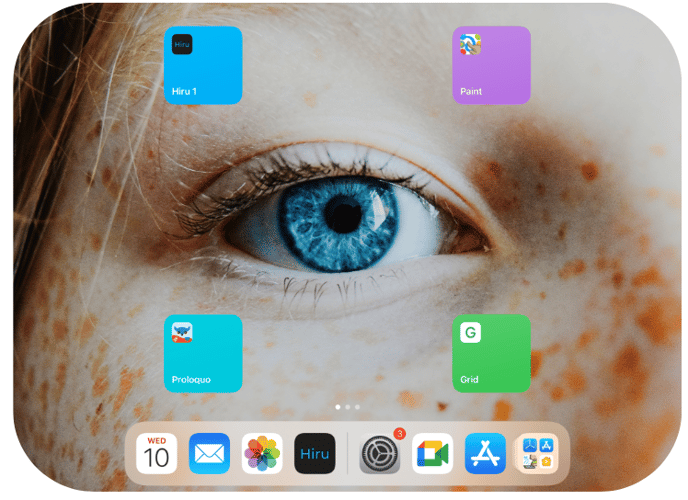
The large icons displayed on the screen, known as widgets, make it easier for the user to access specific apps with convenience.