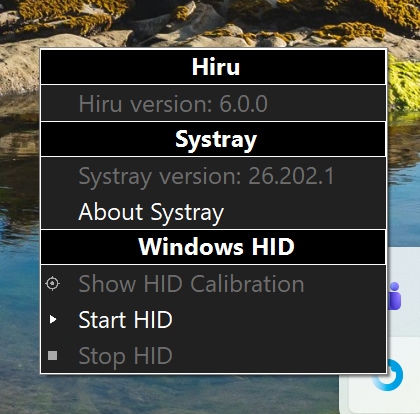
A new update is available via our remote update system, Systray.
Systray
Systray is our updating software for Windows devices. Changes included in this new version:
-
HiruSystray Update Notifications: Users will now be automatically notified whenever a new version of HiruSystray is released, eliminating the need to visit the website to download it for each device. The HiruSystray version is also now visible.
-
Hiru Updates: Users can track Hiru updates with greater detail, see the Hiru firmware version, and trigger the update directly from the menu.
-
Automatic RNDIS Drivers: Drivers install automatically with HiruSystray (If installing HiruSystray on a device for the first time, keep the Hiru unplugged during installation.)
Go to the Downloads Page
Navigate to the Downloads section on the official Irisbond website.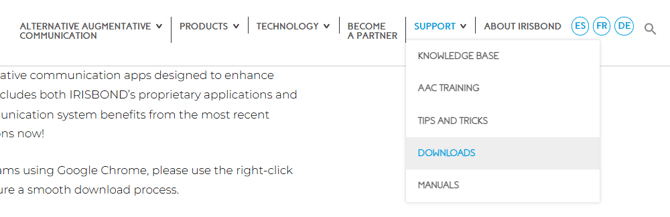
Locate Systray for Windows
Scroll down the page until you see Systray for Windows, then click Download Version.
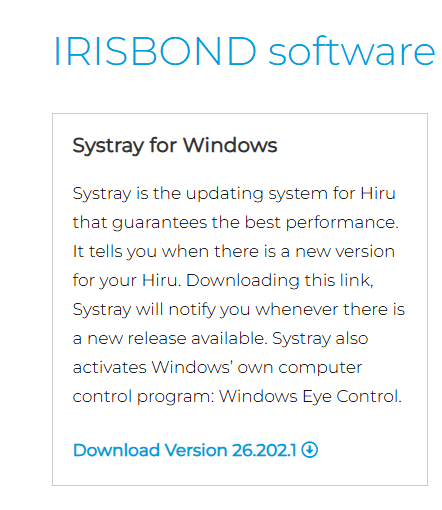
Verification: You will see the download start in your browser's top-right corner, indicated by a downward arrow icon.
Run the Installer

Once the .exe file finishes downloading, click on the file from your browser downloads menu (or double-click it in your Downloads folder) to launch the installer.
Verification: The setup window will open on your screen to guide you through the remaining installation steps.
Follow the promps on screen, selecting your language, agreeing to the license agreements and finishing the installation as in the images below:
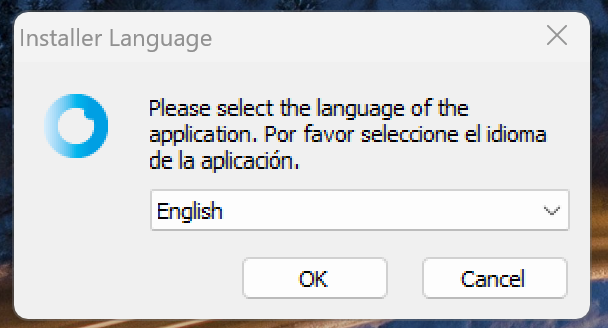
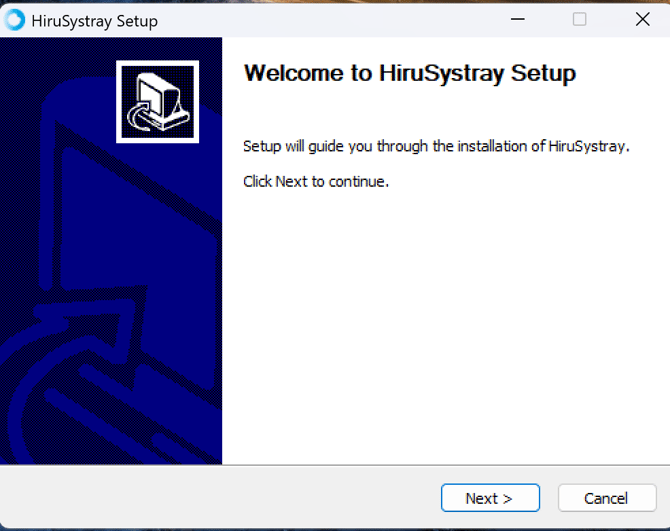
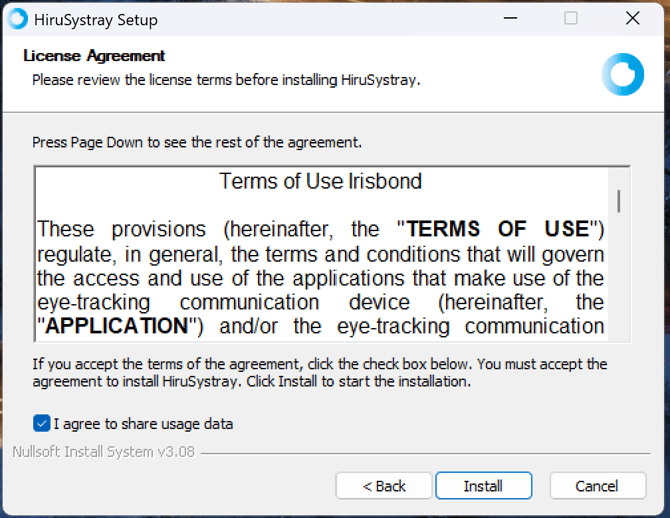
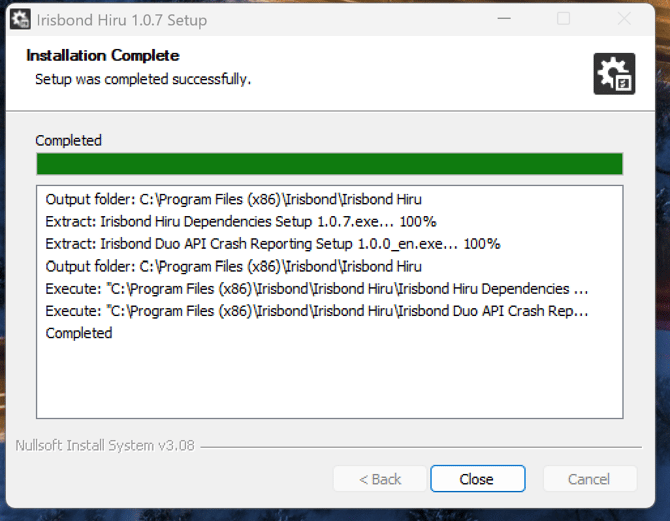
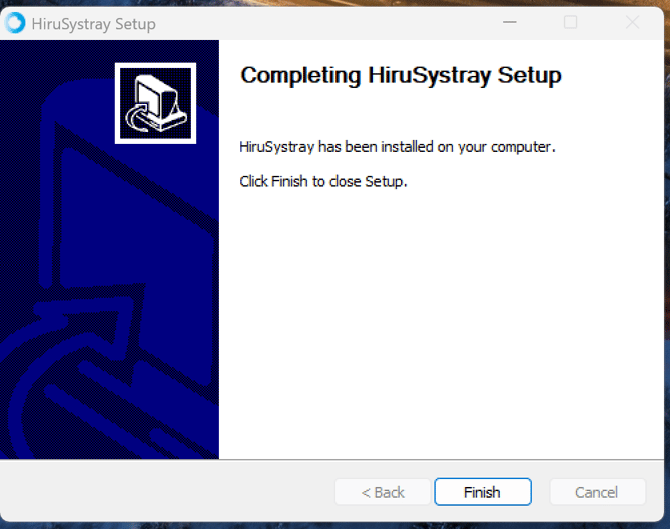
Once the installation is complete, simply click on the arrow located in the right corner of your desktop bar. Then select the blue Systray icon.
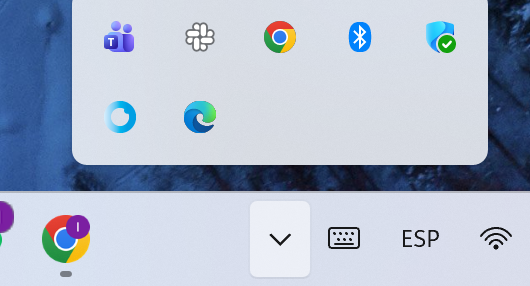
The new Systray should now appear revealing version 26.202.1