Direct Access to Positioning Guide: Open Hiru App directly to the positioning page for quicker access.
Jump to Dwell Settings in iPad Settings
Jump to Hiru Settings: for easy access to Smoothing, Snap to Item, and AutoHide.
Jump to Pointer Control in iPad Settings
Jump to Reduce Motion in iPad Settings
Jump to Display in iPad Settings
Turn off AssistiveTouch:
Easily turn off AssistiveTouch without going into the iPad settings.
Turn ON Switch Control from AssistiveTouch
While using AssistiveTouch with Eye gaze, the user can independently trigger this shortcut when they want to use switch control, which will turn off AssistiveTouch, wait 2 seconds and will turn on Switch Control.
This shortcut it needed because Switch Control will not turn on unless AssistiveTouch is turned off.
Turn ON AssistiveTouch from Switch Control
While using switch control, the user can independently trigger this shortcut when they want to transition to using eye gaze with AssistiveTouch, which will turn off Switch Control, wait 2 seconds and will turn on AssistiveTouch.
This shortcut it needed because AssistiveTouch will not turn on unless Switch Control is turned off.
 Temporarily Turn off AssistiveTouch (and turn it on again automatically): Use this shortcut to automatically turn AssistiveTouch off for a set amount of time, then AssistiveTouch will turn on again. This can be used for watching videos or other situations where the user does not want to risk clicking on items unintentionally, or wants to avoid seeing the cursor.
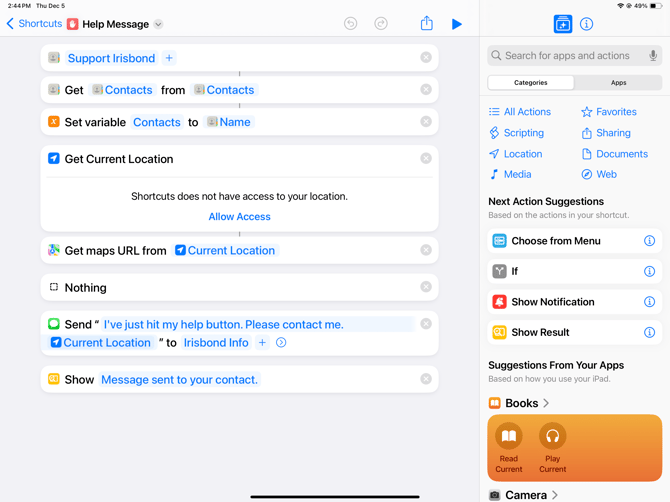
 Help Message: Use this shortcut to send a message with just one click. Personalize this shortcut with the Apple ID of your desired contacts and personalized the message.